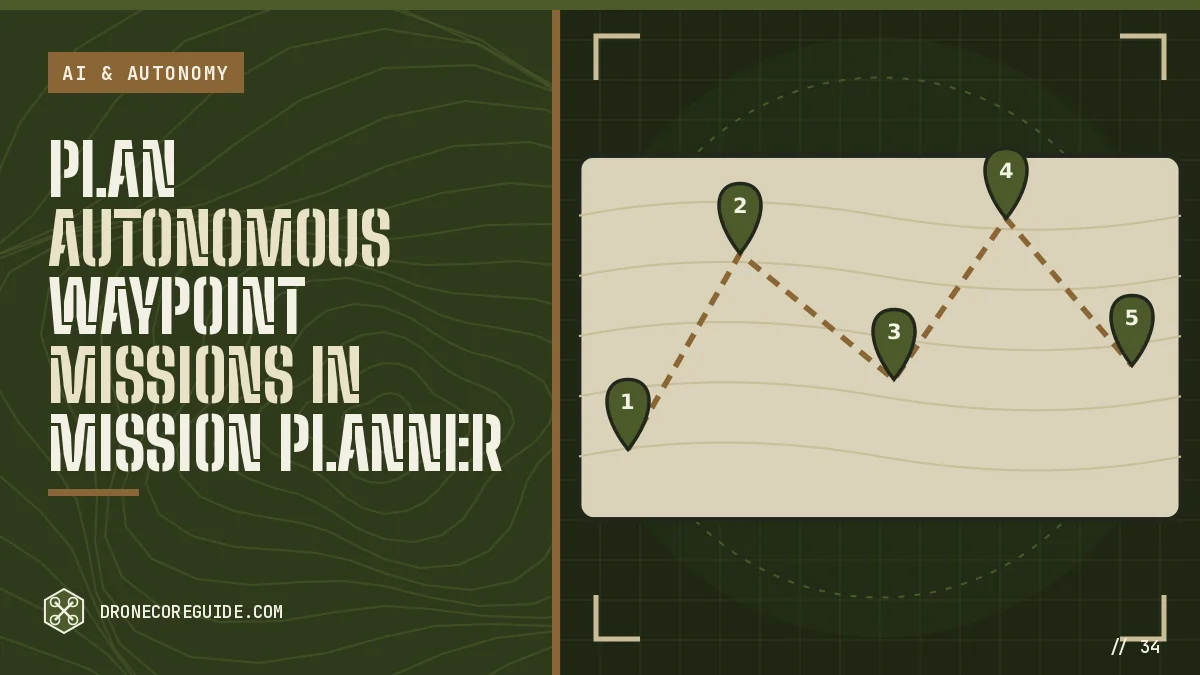
A waypoint mission lets your drone fly a route on its own: take off, visit a list of points, take photos and land. It’s the most practical form of autonomy and the foundation of mapping and inspection work.
You’ll need: an ArduPilot or PX4 GPS drone (see the ArduPilot build) and Mission Planner or QGroundControl.
Mission basics
A mission is a list of commands:
| Command | What it does |
|---|---|
| TAKEOFF | Climb to a set altitude |
| WAYPOINT | Fly to a point at a set altitude |
| LOITER_TIME | Hover at a point for a set time |
| DO_CHANGE_SPEED | Change flying speed |
| DO_SET_CAM_TRIGG_DIST | Trigger the camera every few meters |
| RETURN_TO_LAUNCH | Fly home and land |
| LAND | Land at a point |
Step 1: Set safety first
Before planning, set:
- Geofence: maximum altitude (for example 120 m) and radius.
- Radio failsafe: RTL or continue the mission, depending on your setup.
- Battery failsafe: RTL at low battery, land at critical.
- RTL altitude: above the tallest obstacle nearby.
Step 2: Plan the mission
- Open the flight plan view and load the map of your area.
- Click to add waypoints. Set altitude for each (relative to home).
- Add a TAKEOFF command first and RETURN_TO_LAUNCH or LAND at the end.
- Set mission speed. Slower is smoother and safer while testing.
- Check the total distance and estimated flight time against your battery.
For mapping, use the survey or grid tool instead of placing points by hand. See mapping drones.
Step 3: Check terrain and obstacles
Waypoint altitudes are usually relative to the takeoff point. If the ground rises along the route, the drone gets closer to it. Use terrain-following options or set altitudes high enough. Look at every leg of the route for trees, towers and buildings.
Step 4: Upload and verify
- Write the mission to the drone.
- Read it back and confirm the points and commands match.
- Check GPS fix quality and battery level.
Step 5: Fly it
- Arm in Loiter and take off manually, or start in AUTO from the ground if your mission begins with TAKEOFF.
- Switch to AUTO.
- Watch the drone, and keep your hand on the mode switch. Switching to Loiter pauses the mission and gives you control.
- Let it complete RTL or LAND.
Mission design tips
- Keep legs short at first so the drone stays close and in clear view.
- Use loiter points to pause at key spots for photos or inspection.
- Set speeds per section: slower near obstacles or where you want sharp photos.
- Add a final waypoint above the landing point before the LAND command, so the drone descends vertically into a known clear area.
Rally points and alternate landing spots
ArduPilot supports rally points: alternate safe locations the drone can return to instead of the launch point. Useful when the takeoff spot is crowded or when a mission covers a long area.
Example mission plan
| # | Command | Altitude | Note |
|---|---|---|---|
| 1 | TAKEOFF | 20 m | Clear of trees |
| 2 | WAYPOINT | 30 m | First inspection point |
| 3 | LOITER_TIME | 30 m | Hover 10 s for photos |
| 4 | WAYPOINT | 30 m | Second point |
| 5 | WAYPOINT | 20 m | Above landing area |
| 6 | RETURN_TO_LAUNCH | — | Lands at home |
Reviewing a mission after flight
Download the log and compare the planned path with the actual track. Large deviations can point to wind, poor GPS, compass problems or tuning issues. Fix them before planning longer missions.
Survey vs waypoint missions
Waypoint missions visit specific points in order. Survey missions generate a grid automatically to cover an area with photos. Use waypoints for inspection routes and surveys for mapping. See the mapping drone guide.
Using Lua scripts for custom behavior
ArduPilot supports Lua scripts on many flight controllers. Scripts can add custom behaviors to missions, such as reacting to a sensor reading or changing speed based on conditions, without a companion computer.
Rules
Missions don’t change the law. Recreational pilots in the U.S. must keep the drone in visual line of sight. Commercial missions require a Part 107 certificate. See FAA rules.
Frequently Asked Questions
Can a DIY drone fly a mission by itself?
Yes. ArduPilot and PX4 drones can fly preplanned waypoint missions using GPS, from takeoff to landing.
What software do I use to plan drone missions?
Mission Planner (Windows) and QGroundControl (Windows, macOS, Linux, Android) are the most common ground stations for ArduPilot and PX4.
What happens if the radio signal is lost during a mission?
It depends on your failsafe settings. Common choices are to return to launch or continue the mission and then return.
Do waypoint altitudes follow the ground?
Not by default. Altitudes are usually relative to the takeoff point, so check terrain or enable terrain following.